The background:
As the workstation HP z420 is not in he HCL of the vsphere5.5 and I find that the network adapter is not recognized if installing the ESXi 5.5 host with the installation image from vmware. This error interrupt the installation process and it could not be skipped:
"No network adapters were detected. Either no network adapters are physically connected .."
1. Try using the HP Custom Image for ESXi 5.5.0 GA Install CD-September 2013 -here to install the ESXi 5.5 but the network adapter still not to be detected.
2. The HP z420 come with Intel 82579LM nic on the X79 motherboard, we need use ESXi-Customizer to inject the 82579LM nic driver into the installation image, first download files in follow links:
ESXi-Customizer http://www.v-front.de/p/esxi-customizer.html
VIB file net-e1000e-2.1.4.x86_64.vib from http://ftp2.pl.freebsd.org/pub/VM/VMware/Drivers/net-e1000e-2.1.4.x86_64.vib
ESXi5.5 image from vmware download
3. The image marking process is straight forward, just prepare those files and click run
4. After the customized image file is ready, we convert it into usb boot image with UNettbootin
run the tool as administrator
 * The usb drive should be erase first to ensure no other boot files exist
5. Use the USB to boot the workstation.
6. Enter to continue
7. Press F11 to accept the EULA and continue
8. For upgrade , we can use F1 to view the disk detail and get where the system disk is
9. Press F11 for Upgrade
10. Select "Upgrade ESXi , preserve VMFS datastore"
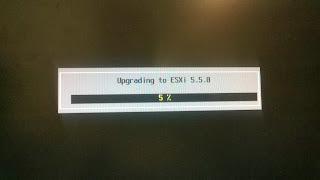
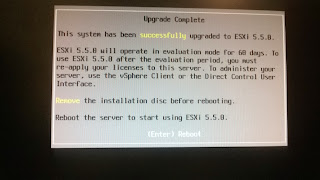
11. Wait the upgrade complete and restart the server
12. Include the BIOS information as reference


 * The usb drive should be erase first to ensure no other boot files exist


